Geofencing Attendance App: How GPS Attendance Tracking Works for Field Teams
A biometric device assumes everyone comes to one building. For field teams, sales staff and multi-site operations that assumption fails. Here's how geofenced GPS attendance works, including how location spoofing is actually handled.
WRITTEN BY
O
Sanskar Sharma
Executive Director
TAGS
geofencing attendance app
GPS attendance tracking software
field staff attendance app India
mobile attendance system
geo-fenced attendance software
Biometric attendance devices work on one assumption: everybody comes to the same building. The moment that stops being true — field sales, service engineers, site supervisors, multi-branch operations, hybrid staff — the device stops recording most of your workforce, and attendance quietly reverts to supervisors confirming who they believe was working.
What a Geofence Actually Is
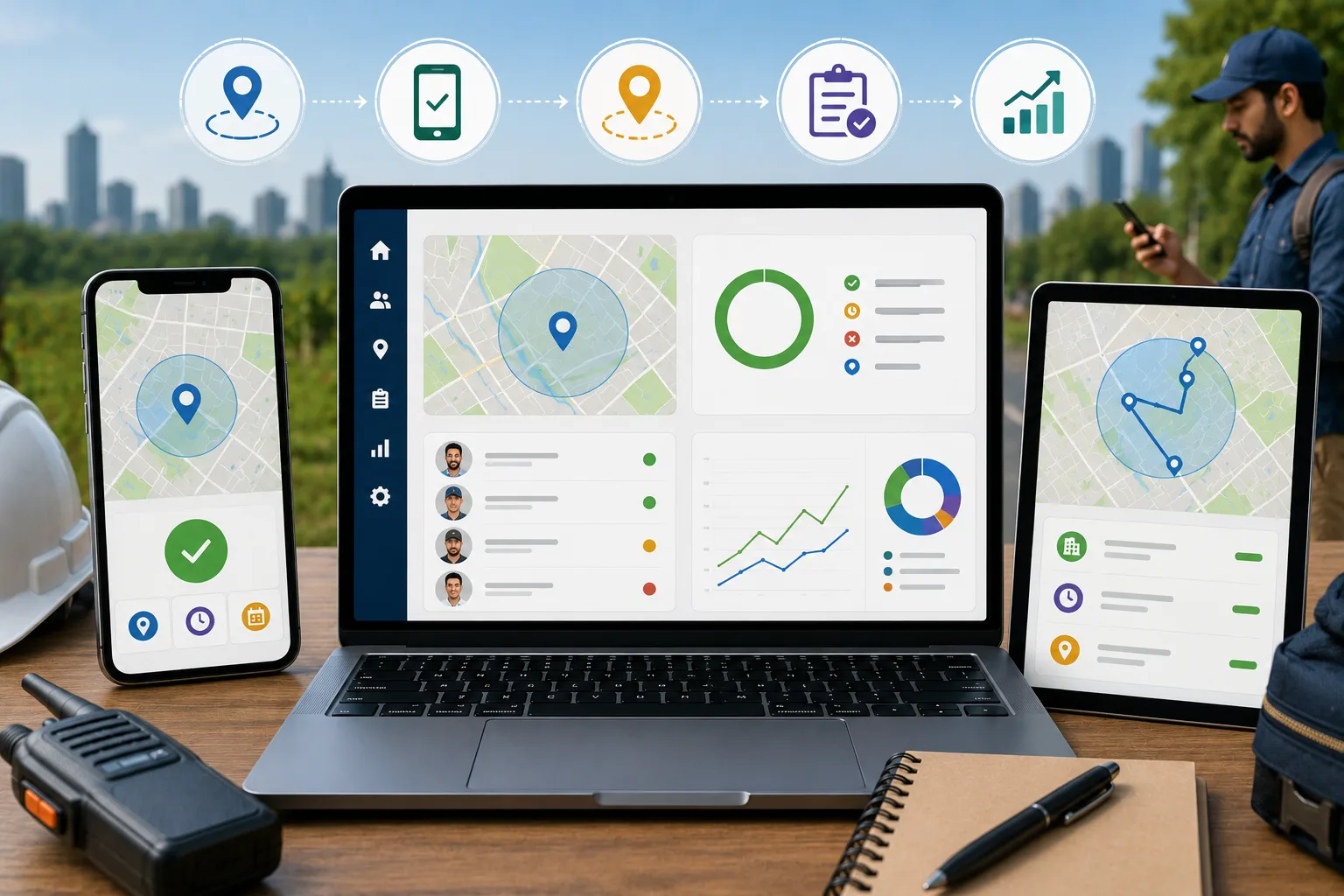
A geofence is a defined geographic boundary — typically a circle of specified radius around a point, or a polygon drawn around an irregular area such as a factory perimeter or a project site. The system holds a set of these approved zones, each associated with a location and often with specific employees or teams.
When an employee checks in, the app reads the device's coordinates and the system performs a point-in-polygon test against the approved zones. Inside an approved zone, attendance records normally. Outside it, the policy decides — reject, or record with a flag for supervisor approval. The second option matters more than it sounds, because legitimate exceptions are constant in field work and a system that simply refuses them creates workarounds.
Radius-based zones for offices and client locations, quick to configure at scale
Polygon zones for irregular sites such as plants, warehouses or construction areas
Per-employee or per-team zone assignment, so a field engineer's approved locations differ from an office employee's
Configurable radius tolerance, since GPS accuracy varies with environment and an over-tight boundary generates false rejections
Exception handling with approval workflow, rather than a binary allow or deny
The Spoofing Problem, Handled Properly
Any honest discussion of GPS attendance has to address mock location apps. A system that trusts reported coordinates and nothing else can be defeated in minutes. Implementations that hold up in practice layer several checks, none of which is individually sufficient.
1Mock location detection — checking whether the device reports a mock location provider or has developer options enabled
2Cross-referencing positioning sources — comparing GPS against network and Wi-Fi-derived location, which mock apps frequently do not spoof consistently
3Device integrity checks for rooting, jailbreaking or emulator environments
4Device binding, so an employee's account is tied to a registered device and one phone cannot check in several people
5Movement plausibility — flagging consecutive check-ins implying travel faster than physically possible
6Selfie capture at check-in, which is a strong practical deterrent even without automated face matching
Design for deterrence, not perfect prevention
No location verification is unbeatable by a sufficiently determined employee with a rooted device. That is the wrong bar. The realistic goal is making circumvention difficult enough and detectable enough that it stops being casual, while ensuring honest employees are never blocked by false rejections. A system that frustrates compliant staff to catch a small minority damages more than it protects.
Offline Capability Is Not Optional
GPS positioning does not require a data connection. The satellites do not need the internet, and a phone can fix its position in a location with no mobile data at all. This means there is no technical excuse for an attendance app that cannot record a check-in offline.
The correct behaviour is capturing the check-in with coordinates and a device timestamp locally, queuing it, and syncing when connectivity returns — with the original timestamp preserved rather than replaced by the sync time. Field teams routinely work in low-coverage areas, and an app that fails there fails precisely where geofenced attendance was supposed to help.
Where It Connects to Payroll
Attendance data has limited value in isolation. Its purpose is feeding leave calculation, overtime and ultimately payroll. When attendance sits in one system and payroll in another, somebody reconciles them manually every cycle, which is where errors and disputes originate.
The version that actually saves time is attendance flowing directly into payroll calculation within the same platform, with the location and timestamp record available if a payment is later disputed. We covered the broader case for this in how AI-powered HRMS platforms actually work.
Getting the Rollout Right
Explain to staff exactly what is captured and when — check-in and check-out events, not continuous tracking. Ambiguity here generates resistance faster than anything else.
Set radius tolerance from real measurements at each site rather than a uniform default, since GPS accuracy differs substantially between an open yard and a dense urban street
Configure exception approval before launch, because exceptions will occur in the first week
Pilot with one field team and fix the false-rejection cases before extending to everyone
Confirm the app records offline and preserves original timestamps, by testing in an actual low-coverage location
Define retention — keep location records as long as payroll and dispute resolution need, and no longer
Common Questions About Geofencing Attendance Apps
How does geofenced attendance work?
The employer defines approved zones, and the app verifies the device's GPS coordinates against them at check-in, recording attendance with location and timestamp or flagging it for approval.
Can GPS location be faked?
Mock location apps exist, so robust systems layer mock-location detection, cross-referenced positioning sources, device integrity checks, device binding and movement plausibility analysis.
Does it work offline?
It should. GPS needs no data connection, so a well-built app records the check-in locally with its original timestamp and syncs when connectivity returns.
Building Attendance That Works Outside the Office
The test of a geofenced attendance system is whether a field employee in a low-coverage area can check in reliably, and whether that record reaches payroll without anyone reconciling a spreadsheet. We build workforce management platforms as part of our software development services, and GeoOne is the production system we have already shipped. For cost comparisons across HRMS models, see what HRMS software actually costs in India. To discuss your field workforce, reach us at info@optatechinnovation.com.
Ready to build something great?
Talk to Optatech — Jaipur's AI and software development company. Free 30-minute discovery call, no obligation.